top of page


 |  |  |  |  |
|---|---|---|---|---|
 |  |  |  |  |
 |  |  |  |  |
 |
|---|
 |
 |
 |
 |
 |
 |
 |
 |
 |
 |
 |
 |
 |
 |
Make Your Own Roadjumper


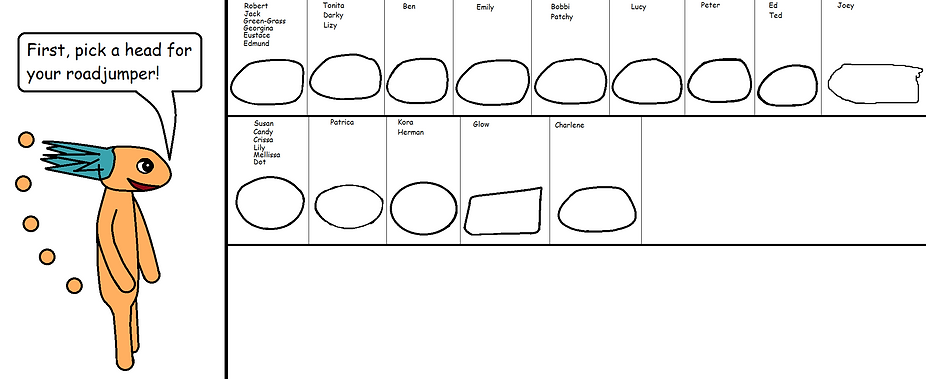

Here's how to print out your roadjumpers to color them and add details:
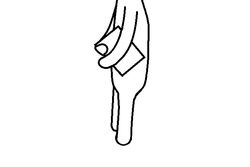
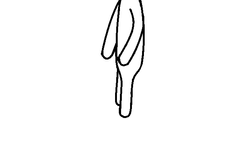
1. Scroll up to your roadjumper
2. Press the Function (Fn) key on your keyboard
3. Press the Print Screen (Prt Scr) or Insert key on you keyboard
4. Next, go into a program where your paste the image and make it into a picture
5. To print it out on your printer, usually you click on File, then on Print
6. After it prints, have fun coloring your roadjumper!


←Go from this . . .
. . . to this!→
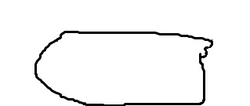
To save your roadjumper on mobile, hold your finger down on the head of your roadjumper. Wait for the box to pop up.
Tap on "save image". Do the same for the body. Then you can edit and them on your tablet or computer!
bottom of page